
Photo Print Preparation Service 30-min – File Check & Advice

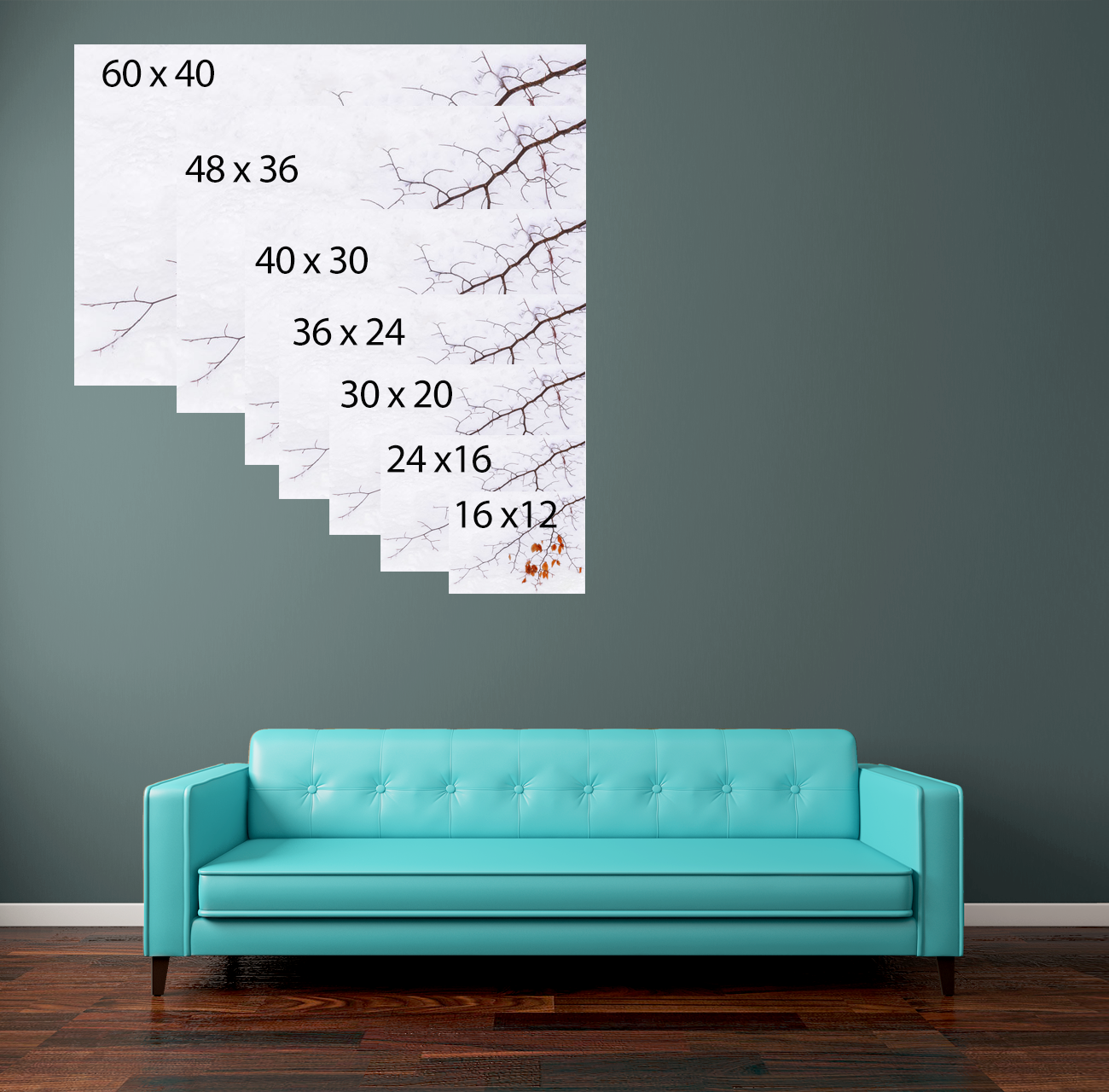
Photo Print Preparation Service 30-min – File Check & Advice
Book a 30 min Photo Print Preparation Service. I check crop, aspect ratio and DPI, enlarge, retouch, sharpen and supply print-ready image for you to print
Who this is for
You’ve edited your image and you’re ready to print—but want confidence it will come out print-ready with the right crop, DPI and paper choice. This photo print preparation service gives you a fast, expert file check and clear, practical guidance.
What I’ll do in your 30-min session
Check the file: resolution, DPI/ppi, aspect ratio vs target size, noise, sharpening, colour space (sRGB/Adobe RGB).
Fix the fit: crop/compose for photo sizes or A-sizes (with or without borders), protect key subjects and horizons.
Soft-proof: simulate your lab/paper; flag out-of-gamut colours; apply sensible corrections.
Export settings: deliver print-ready JPEG/TIFF with correct pixel dimensions, quality, and sharpening for matte/gloss.
Practical advice: paper finish recommendations, border thickness, and notes to send to your lab or framer.
What you’ll receive
1× print-ready file (JPEG or TIFF) at the exact output size/DPI you requested.
A short summary of what was changed and why (crop, DPI, sharpening, paper advice).
Optional: second variant (e.g., with/without border) if requested.
What I need from you (upload/checklist)
Please provide:
Your edited image (highest-resolution JPEG/TIFF/PSD; sRGB preferred unless lab specifies otherwise).
Required print size (e.g., 6×4, 10×8, 12×8, 16×12, 20×16, 30×20, A4–A0), and orientation.
Borders: yes/no. If yes, state border thickness (e.g., 5–20 mm) and whether you want equal borders or weighted bottom.
Any framing/opening size constraints and deadline.
Anything you’re unsure about (skin tones, deep shadows, banding, oversharpening, etc).
Send your image to me with these details via WeTransfer service (free file transfer service)
Typical scenarios this solves
The file doesn’t match A-sizes and keeps cropping unexpectedly.
You’re not sure what DPI or pixel size to export for a large wall print.
Banding, halos or blown highlights are showing after export.
You want a tasteful white border sized correctly for a mat or frame.
Why it helps
A precise crop, correct DPI/ppi, appropriate output sharpening and the right paper finish make the difference between a decent print and one you’re proud to hang. This print-ready file check saves trial-and-error—and wasted prints.